Payment links or Website
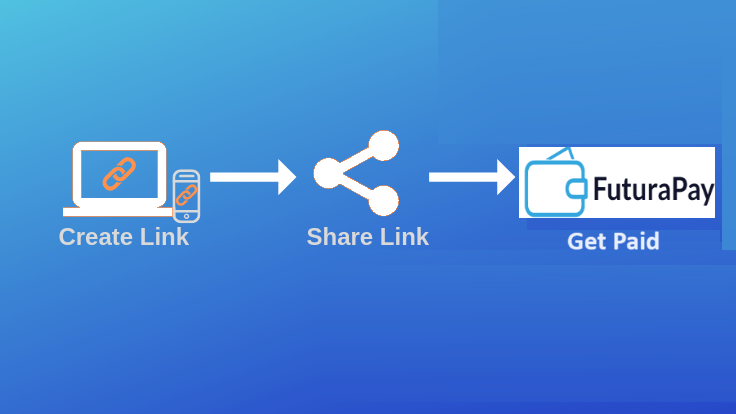
Our payment links permit users to easily request and receive payments in few clicks. Our payment website is designed for institutions, microfinance or banks seeking for smart payment solutions to reach new clients. Below you will find more details on these powerful tools to take your business to the next level.
1. Payment links
Receive payments in minutes from anywhere simply by sharing your payment links:
How it works:
Once you create and verify your account, you can start requesting payments.
Step 1
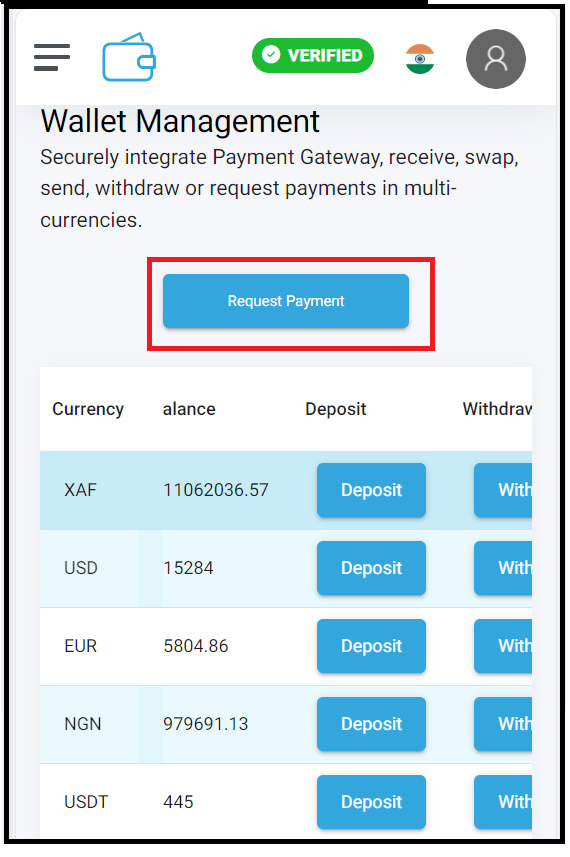
Login to your verified account and click on the ‘Payment Request button:
Step 2
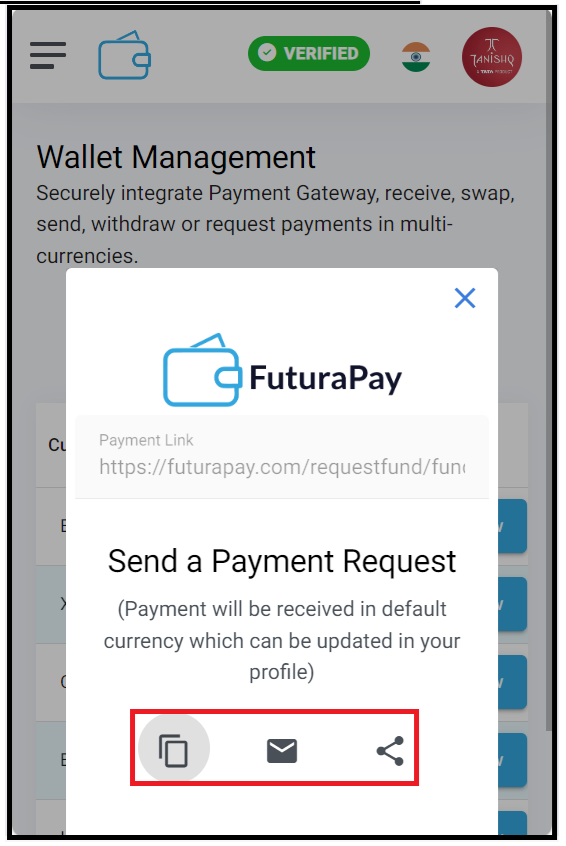
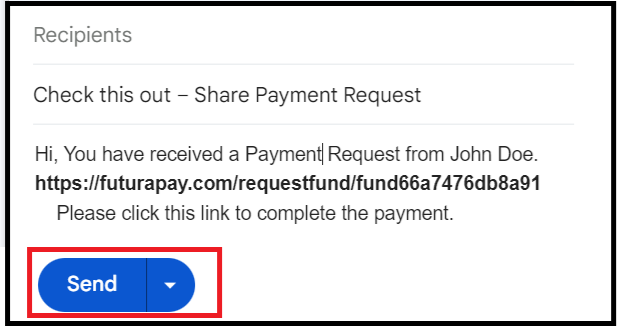
Send your payment link to the intended receiver:
Step 3
Receive clicks on the link and execute payment.
__________________________________________________________________________
2. Payment website:
This is a power banking tool (Website) permitting organizations or financial institutions to reach clients wherever they are. The can onboard new costumers, receive payments or sell financial products. This is a free tool and is available only for institutions/businesses.
How it works :
Step 1. Simple create and verify your corporate account.
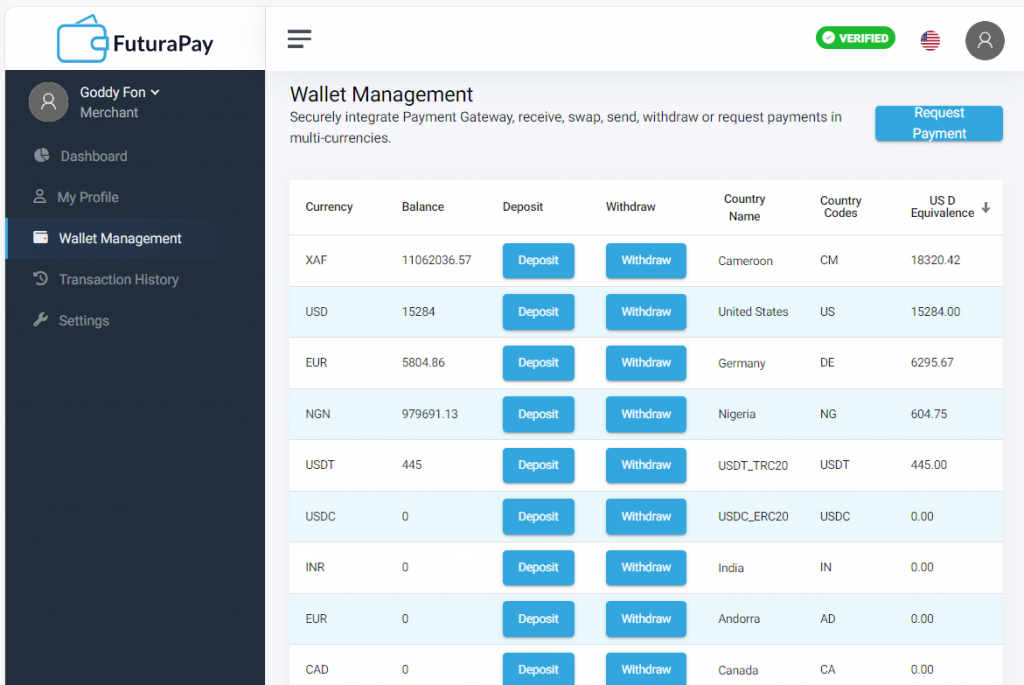
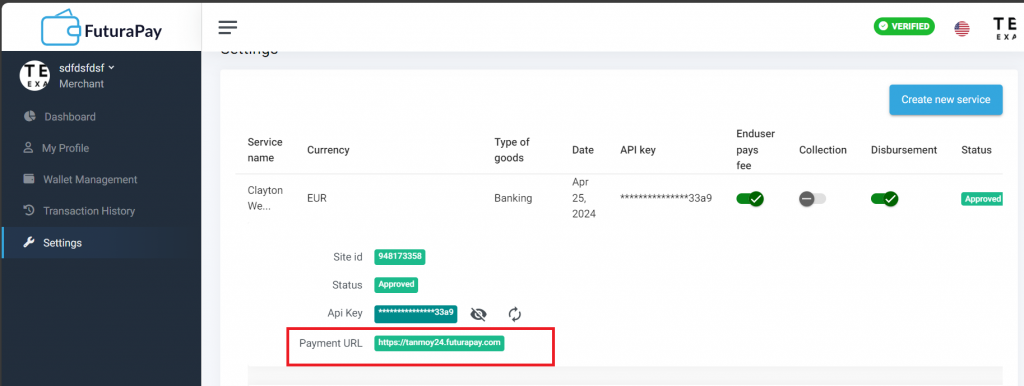
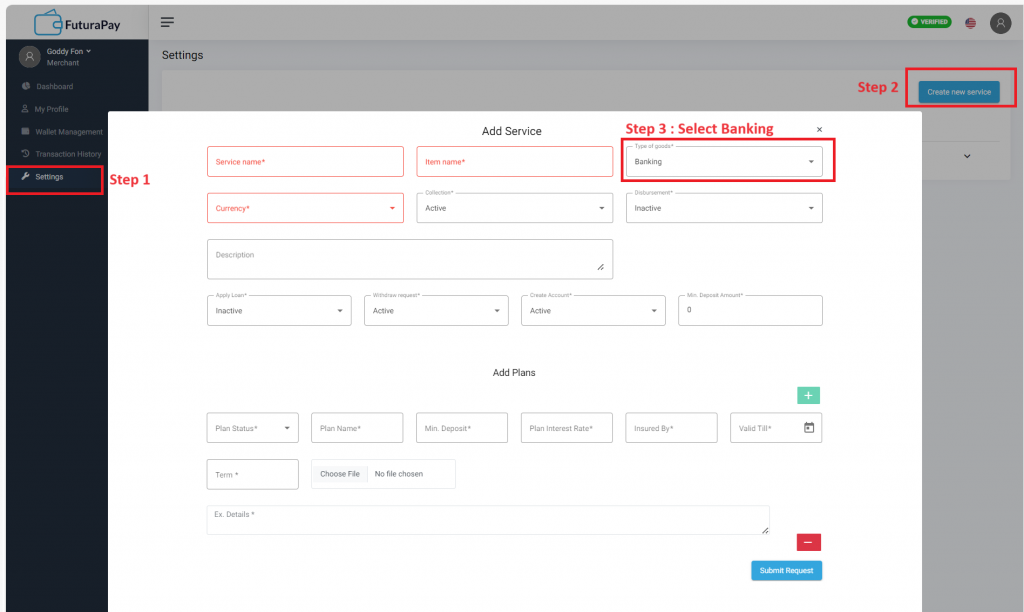
Step 2: Go to settings and create your payment website:
Fill in your parameters and add a plan. Submit and wait for verification
Step 3 : Once verified, your payment website will be ready, and you can start sharing with your clients.